Choosing Ergonomic Office Chairs Without Arms: Pros and Cons
Introduction to Armless Ergonomic Office Chairs
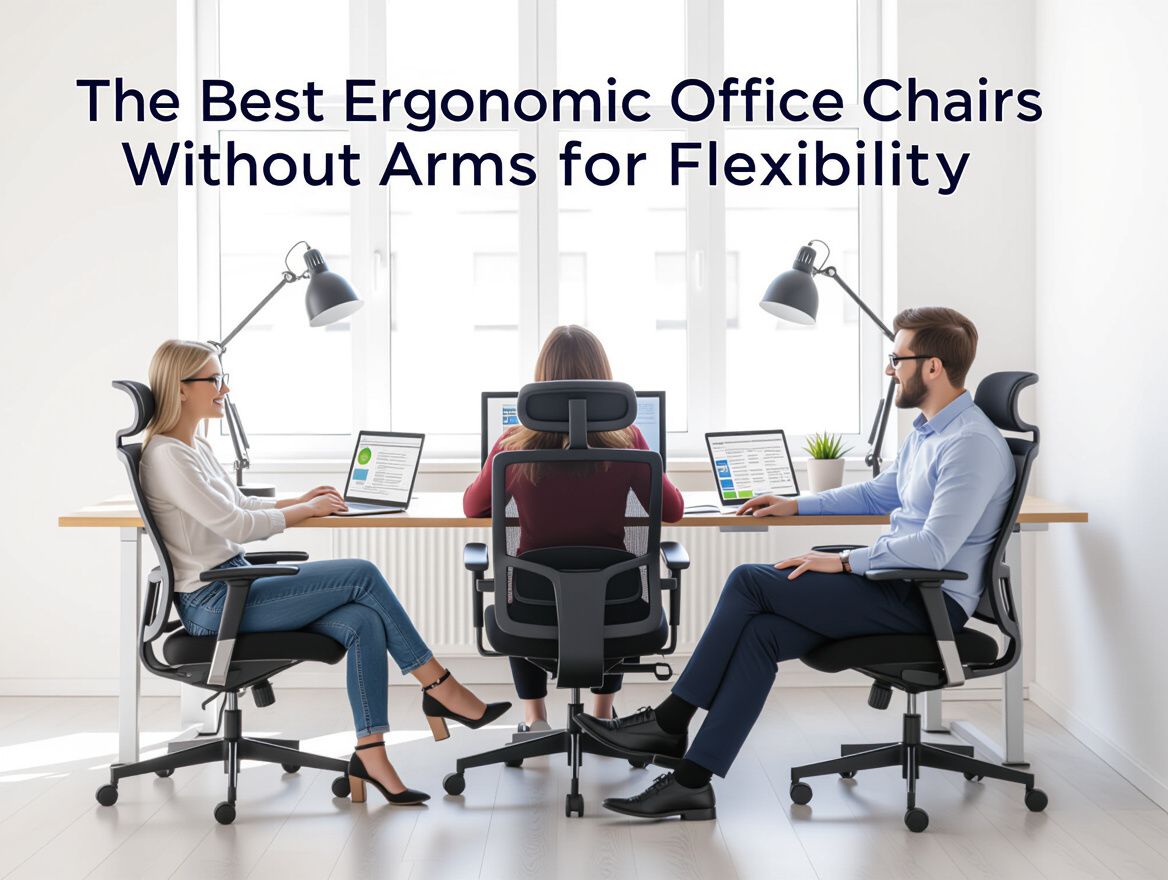
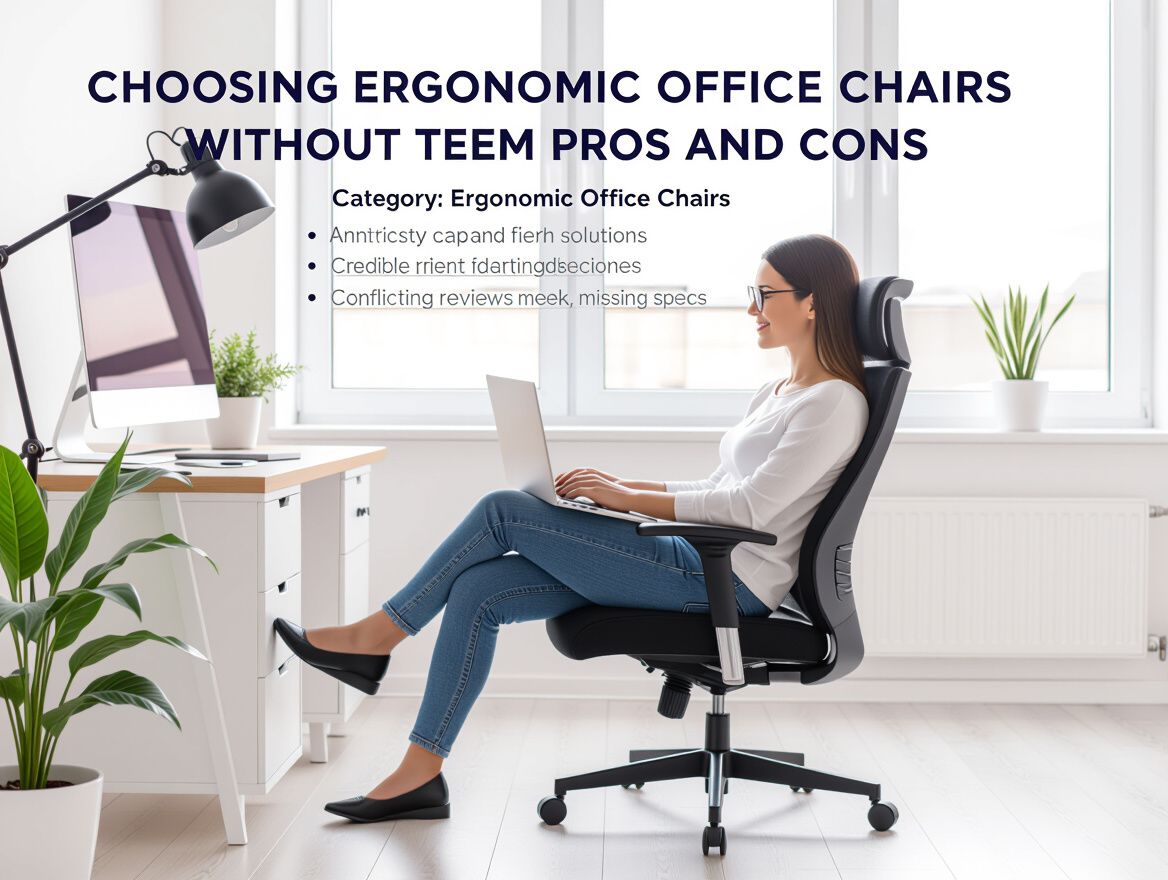
Armless ergonomic office chairs are designed to provide essential support while eliminating the bulk and constraints of traditional armrests. These chairs cater to the needs of office workers and remote employees who prioritize flexibility, space-saving, and ease of movement over the additional support that armrests provide. Their growing popularity reflects a shift towards more versatile work environments, where users seek comfort without compromising on functionality.
The absence of armrests can enhance accessibility, allowing for a more dynamic range of motion during various tasks, from typing to reaching for items on a desk. However, this design choice comes with its own set of considerations.
Key Points to Consider:
- Space Efficiency: Armless chairs typically take up less space, making them ideal for smaller work areas.
- Mobility: Users often find it easier to shift positions or move around without armrests obstructing their movement.
- Versatility: These chairs can be used in various settings, including collaborative spaces and home offices, where flexibility is essential.
As you explore the option of armless ergonomic office chairs, it's crucial to weigh these benefits against potential drawbacks, ensuring that your choice aligns with your specific work habits and comfort requirements.
Pros and Cons of Armless Ergonomic Chairs
Choosing armless ergonomic office chairs can offer distinct advantages and disadvantages that impact both comfort and functionality. Understanding these factors is crucial for office workers and remote employees seeking the best fit for their workspace.
Advantages
- Enhanced Mobility: Without armrests, users can easily shift their position and access their workspace without obstruction. This can be particularly beneficial in smaller office setups where space is limited.
- Flexibility in Use: Armless chairs can accommodate a wider range of body types and preferences, allowing users to adopt various postures throughout the day.
- Easier to Store: These chairs typically take up less space, making them easier to tuck away when not in use, which is ideal for compact home offices.
- Cost-Effectiveness: Armless chairs often come at a lower price point compared to their armed counterparts, making them an attractive option for budget-conscious buyers.
Disadvantages
- Limited Upper Body Support: The absence of armrests can lead to discomfort for some users, particularly those who prefer resting their arms while typing or using a mouse. This may result in increased strain on the shoulders and neck.
- Potential for Poor Posture: Without arm support, users may slouch or lean forward, which can negatively impact spinal alignment over time. This is a critical consideration for individuals with pre-existing back issues.
- Less Stability: Some users may find that armless chairs provide less overall stability, especially when leaning or reaching for items on their desk.
Considerations
When evaluating armless ergonomic chairs, consider your specific work habits and physical needs. If you frequently adjust your seating position or work in a tight space, these chairs may suit you well. However, if you experience discomfort in your upper body or have a tendency to slouch, you might want to prioritize chairs with armrests for better support.
Key Comparison Criteria for Choosing Armless Chairs
When selecting ergonomic office chairs without arms, it's crucial to consider several key factors that influence comfort, functionality, and aesthetic integration within your workspace. Here’s a checklist to guide your evaluation:
-
Material Quality and Durability: Look for chairs made from high-quality materials that can withstand daily use. Durable fabrics or synthetic materials not only enhance comfort but also ensure longevity. Check for warranties that reflect the chair's durability.
-
Seat Height and Adjustability: Ensure the chair has adjustable seat height options to accommodate different desk heights and user preferences. A chair that allows for easy modifications promotes better posture and comfort over prolonged usage.
-
Design and Aesthetic Fit for Office Space: Consider how the chair's design complements your office decor. An armless design can provide a sleek, modern look, but it should also align with the overall aesthetic of your workspace. Opt for colors and finishes that enhance the environment while maintaining a professional appearance.
By focusing on these criteria, you can make a more informed decision when choosing an armless ergonomic office chair that suits your needs.
Understanding Trade-offs and Fit Limits
When considering ergonomic office chairs without arms, it's essential to evaluate the trade-offs that come with this design choice. While armless chairs can enhance mobility and reduce workspace clutter, they may not be suitable for every individual or work setting.
Situations Where Armless Chairs May Not Be Suitable
-
Extended Sitting Periods: For tasks requiring prolonged sitting, the lack of armrests can lead to discomfort, as users may find themselves without adequate support for their arms and shoulders.
-
Specific Work Tasks: If your role involves frequent typing or document handling, the absence of armrests might cause you to adopt an awkward posture, leading to strain over time.
-
Collaborative Environments: In shared workspaces, armless chairs may not provide the same level of comfort and support as chairs with armrests, which can be beneficial for collaborative tasks.
Considerations for Different Body Types and Work Habits
-
Body Type Fit: Individuals with broader shoulders or those who prefer a more supported seating experience may find armless chairs less accommodating. It's crucial to assess how your body type interacts with the chair's design.
-
Work Habits: If you frequently shift positions or need to move around your workspace, armless chairs can offer greater freedom of movement. However, those who prefer to lean back or rest their arms while working might find them less comfortable.
-
Posture Awareness: Users must be more conscious of their posture when using armless chairs, as the absence of armrests can lead to slouching or leaning forward, potentially resulting in back pain over time.
In summary, while armless ergonomic office chairs can provide benefits such as increased mobility and a minimalist aesthetic, they also come with specific trade-offs that may not suit everyone's needs. Evaluating your work habits and body type is crucial in making an informed decision.
Common Buyer Questions Addressed
When considering ergonomic office chairs without arms, potential buyers often have specific questions about their functionality and benefits. Here are some common inquiries that can help guide your purchasing decision.
What problems do armless ergonomic chairs solve?
Armless ergonomic chairs are designed to address several key issues:
- Space Efficiency: Without armrests, these chairs can fit into tighter spaces, making them ideal for smaller offices or home workstations.
- Enhanced Mobility: The absence of armrests allows greater freedom of movement, which can be particularly beneficial for tasks requiring frequent transitions, such as reaching for items or turning to collaborate with colleagues.
- Comfort for Various Activities: These chairs cater to users who may find armrests restrictive, providing a more comfortable seating option for diverse tasks, from typing to drawing.
How do they compare to traditional ergonomic chairs with arms?
When comparing armless ergonomic chairs to those with arms, consider the following trade-offs:
- Support vs. Flexibility: While chairs with arms can provide additional support for the upper body and help maintain proper posture, armless options promote a wider range of motion.
- User Preference: Some users may prefer the ability to rest their arms while others might find armrests uncomfortable or unnecessary, leading to a more personalized seating experience with armless chairs.
- Cost Considerations: Generally, armless chairs may be less expensive than their armed counterparts, offering a budget-friendly solution without sacrificing essential ergonomic features.
By understanding these aspects, you can make a more informed decision on whether an armless ergonomic chair fits your specific needs and workspace.
Final Thoughts on Armless Ergonomic Chairs
In summary, armless ergonomic office chairs can offer distinct advantages and drawbacks that are important to consider based on your specific needs.
Pros:
- Space Efficiency: Without armrests, these chairs take up less space, making them ideal for smaller work areas.
- Increased Mobility: The absence of armrests allows for easier movement around your workspace, which can be beneficial in dynamic environments.
- Versatile Use: They can be more adaptable for various tasks, such as reaching for items on your desk without obstruction.
Cons:
- Limited Support: Armless designs may not provide the same level of support for your arms and shoulders, which could lead to discomfort during longer periods of sitting.
- Posture Risks: Without armrests, there’s a potential for poor posture if the chair does not adequately support your back and lower body.
- Adjustment Period: Transitioning to a chair without arms may require an adjustment period, especially if you are accustomed to using armrests for support.
Before making a purchase, it’s crucial to assess your individual needs and work habits. Consider how much time you spend sitting, your workspace layout, and any specific comfort requirements you may have. Taking the time to evaluate these factors can lead to a more satisfying choice that enhances your productivity and well-being while working.


More in Ergonomic Office Chairs
View All